The Orbit Exchange trading software is one of the most powerful tools available for professional sports trading. In this comprehensive guide, we'll walk you through step by step how to access and use all the software features, from the ladder interface to advanced execution tools.
Unlike traditional bookmakers, Orbit Exchange offers an integrated trading software completely free for all clients registered through BetAdvisor ST. This software lets you operate in betting markets with the same precision and speed as a professional trader.
What Is the Orbit Exchange Trading Software?
The trading software is a professional interface integrated into the Orbit Exchange platform that transforms the betting experience into a real trading operation. Instead of using the basic betting interface, the software gives you:
- Ladder Interface — vertical odds visualization with volume at each price level, similar to professional paid tools
- One-click execution — place Back and Lay bets instantly without confirmation
- Automatic Cash Out — close positions with one click to lock in profits or limit losses
- Real-time data — odds, volume and liquidity updated every second
Best of all: this software is 100% free for all users registered via BetAdvisor ST. No monthly licence fees like other trading software.
Step 1 – Enter a Market
First, log in to your Orbit Exchange account. On the main page, you'll find a complete list of available sporting events — football, tennis, basketball, cricket and dozens of other sports.
Choose a sporting event, for example a Premier League or Champions League football match. After selecting the event, enter the main market, such as Match Odds. Other popular markets include:
- Over/Under Goals — total goals in the match
- Correct Score — exact score (used in freebet strategies)
- Both Teams to Score
- Half Time Result
Step 2 – Find the "Trading View" Button
Inside the market, in the upper right corner, you will find the Trading View button. This button is the gateway to the professional trading software. Click it to transform the basic interface into an advanced trading interface.
Note: the button may appear as "Trading View" or as a chart icon, depending on which version of the platform you're using.
Step 3 – Open the Trading Interface
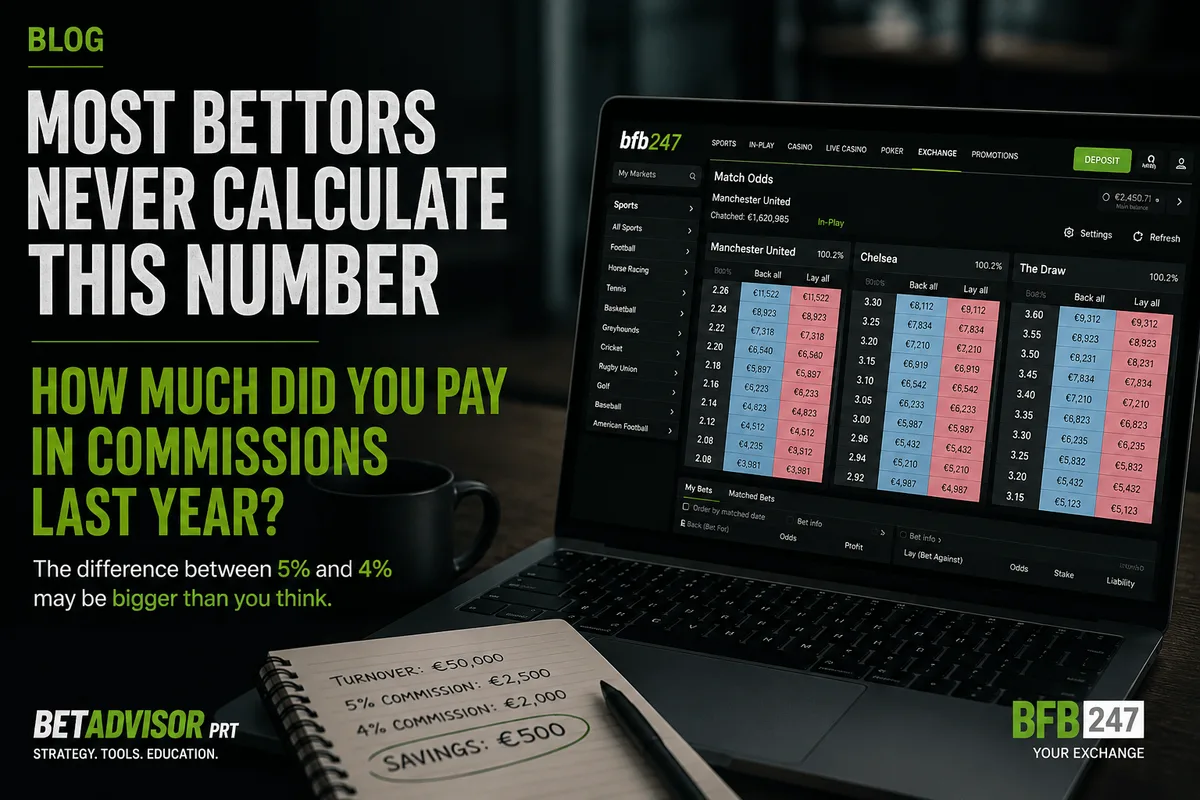
After clicking Trading View, the market opens automatically in Orbit Exchange's trading interface. This interface presents the market in ladder format, showing:
- Available Back (blue) and Lay (pink) odds — organized vertically from highest to lowest price
- Money available at each price level — shows the real market liquidity
- Volume already traded in the market — indicates total money that has passed through that market
- Your current position — shows your open bets and potential profit/loss
Step 4 – Start Trading
Inside the Trading View, you have access to all the professional software features. Each serves a specific purpose in your trading:
- One Click Betting — place bets instantly with one click on the ladder. Essential for scalping and quick entries
- Cash Out — close all open positions in a market with one click, automatically calculating the exit value
- Keep In Play — keeps your unmatched bets active when the market transitions from pre-match to in-play
- Fill or Kill — automatically cancels bets that aren't matched immediately at the requested price
- Refresh Rate — sets how frequently the market data updates (faster = more data, slower = less resource usage)
Advanced Software Features
Beyond the basic features, the Orbit Exchange trading software includes advanced tools that make a real difference in a trader's daily operations:
Stake Management
You can configure preset stake values (e.g., 5, 10, 25, 50, 100) so you don't waste time typing amounts. Just click the value and then the desired odds.
Multi-Market View
If you're trading multiple markets on the same event (e.g., Match Odds + Over/Under), you can open multiple ladders side by side to monitor everything simultaneously.
Bet History
The software maintains a real-time log of all your executed bets, including entry price, amount, and status (matched, pending, cancelled). This is essential for rigorous bankroll management.
How to Read Charts on Betting Exchanges
An essential part of using trading software is knowing how to interpret the charts the platform provides. Charts show real-time odds movements and help you make more informed decisions about when to enter and exit positions.
Types of Exchange Charts
- Odds Chart (Line) — shows how odds evolve over time. A descending line means the market increasingly backs that outcome; ascending means the opposite. Use this chart to identify trends before entering a trade
- Volume Chart — shows how much money has been placed on each selection. More volume = more liquidity = better entry and exit conditions. A market with low volume can have wide spreads, making execution difficult
- Ladder — vertical visualization of odds with volume at each price level. It's the preferred tool for professional traders making quick entries and exits because it shows the full market depth at a glance
How to Interpret Odds Movements
Knowing how to read odds movements is what separates consistent traders from impulsive bettors. Here are the most common patterns:
- Odds dropping quickly — strong money coming in on Back. May indicate last-minute information (injuries, weather, lineups)
- Odds rising — money coming in on Lay. The market is moving away from that result
- Stable odds with high volume — market in equilibrium. Usually not the best time to enter short-term trades
- Sharp pre-match movements — often caused by professional bettors or syndicates. Pay attention to the volume accompanying the movement — if it's high, the trend is more reliable
Practical Tips for Reading Charts
- Watch the chart for at least 5-10 minutes before making any trade — understand the overall trend
- Combine the odds chart with volume — an odds drop without significant volume is less reliable
- Use different timeframes — the last 2 hours tell a different story than the last 15 minutes
- Compare with similar matches — teams with similar profiles tend to have similar odds patterns
Orbit Exchange Software vs. Paid Software
Many traders use paid software and automation tools. Here's how Orbit Exchange's free software compares:
- Cost — Orbit Exchange: free. Paid software: 6-120€/month
- Integration — Orbit's software is integrated directly into the platform, no API keys or complex setup needed
- Speed — Native execution without extra third-party software latency
- Features — Covers 90% of what an intermediate trader needs (ladder, one-click, cash out, TradingView)
- Limitation — No advanced automation (bots). For that, paid automation tools are needed
For most traders, especially beginners and intermediates, Orbit's free software is more than enough. If you need complex automation, you can always use paid software in parallel via API.
How to Open an Orbit Exchange Account
Currently, you can open an Orbit Exchange account through BetAdvisor ST, where we provide access to the exchange through our authorized partners BFB247-96EX and Bet-Football.
The process is simple:
- Fill in the BFB247-96EX registration form or Bet-Football form
- Complete identity verification (KYC)
- Make your first deposit (minimum 10)
- Access the trading software for free
Common Mistakes When Using the Software for the First Time
If you're just starting out, avoid these mistakes that many beginners make:
- Enabling One Click Betting immediately — practice first with confirmation mode to avoid accidental bets
- Ignoring market volume — never trade in a market with low liquidity, your bets may not be matched at the desired price
- Not setting a mental stop loss — before each trade, decide how much you're willing to lose. Cash out is your best friend
- Trading too many markets — start with 1-2 markets until you master the interface
FAQ — Frequently Asked Questions
Is the Orbit Exchange trading software free?
Yes, the trading software is completely free for all users registered on Orbit Exchange through BetAdvisor ST. There are no licence fees, monthly subscriptions or hidden costs.
Do I need to install anything to use the software?
No. The software runs directly in your browser, with no download or installation required. Simply access the Trading View within any market on the Orbit Exchange platform.
Can I use the software on mobile?
The software is optimized for desktop and laptop. While it works on tablets and phones, the full ladder trading experience requires a larger screen to make the most of all features.
What's the difference between Orbit's software and paid tools?
Paid trading tools offer advanced automation features, but OrbitX's free software covers all essential features (ladder, one-click betting, cash out, TradingView). For most traders, the free software is more than sufficient.
Mastering the Orbit Exchange trading software is the first step to becoming a consistent sports trader. Practice with small amounts, learn to read the charts and ladders, and gradually improve your trading techniques.