REGISTER ORBIT EXCHANGE BFB247
Open your account in under 10 minutes, with the trading software included and dedicated support.
- Free registration, no account opening fees
- Professional trading software included
- Dedicated support and low commissions
+10,000 active bettors · Step-by-step tutorial below
Watch the full registration on video
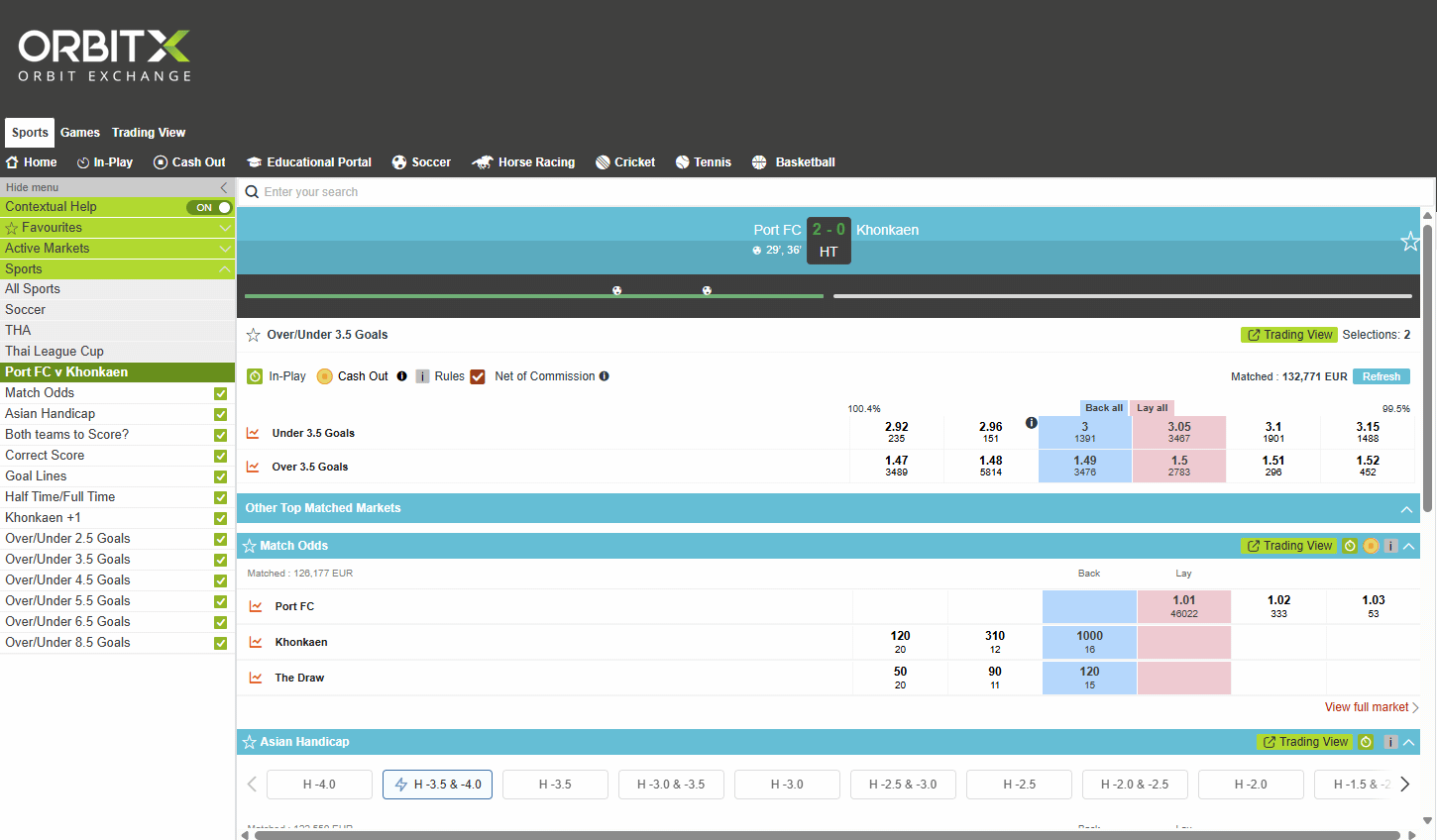
Step-by-Step Guide
Follow each step in detail to complete your registration.
STEP 1
- Go to the Orbit Exchange BFB247 website through the Open Account button.
- Choose your username, enter your email address and password, then click Register to create your account.
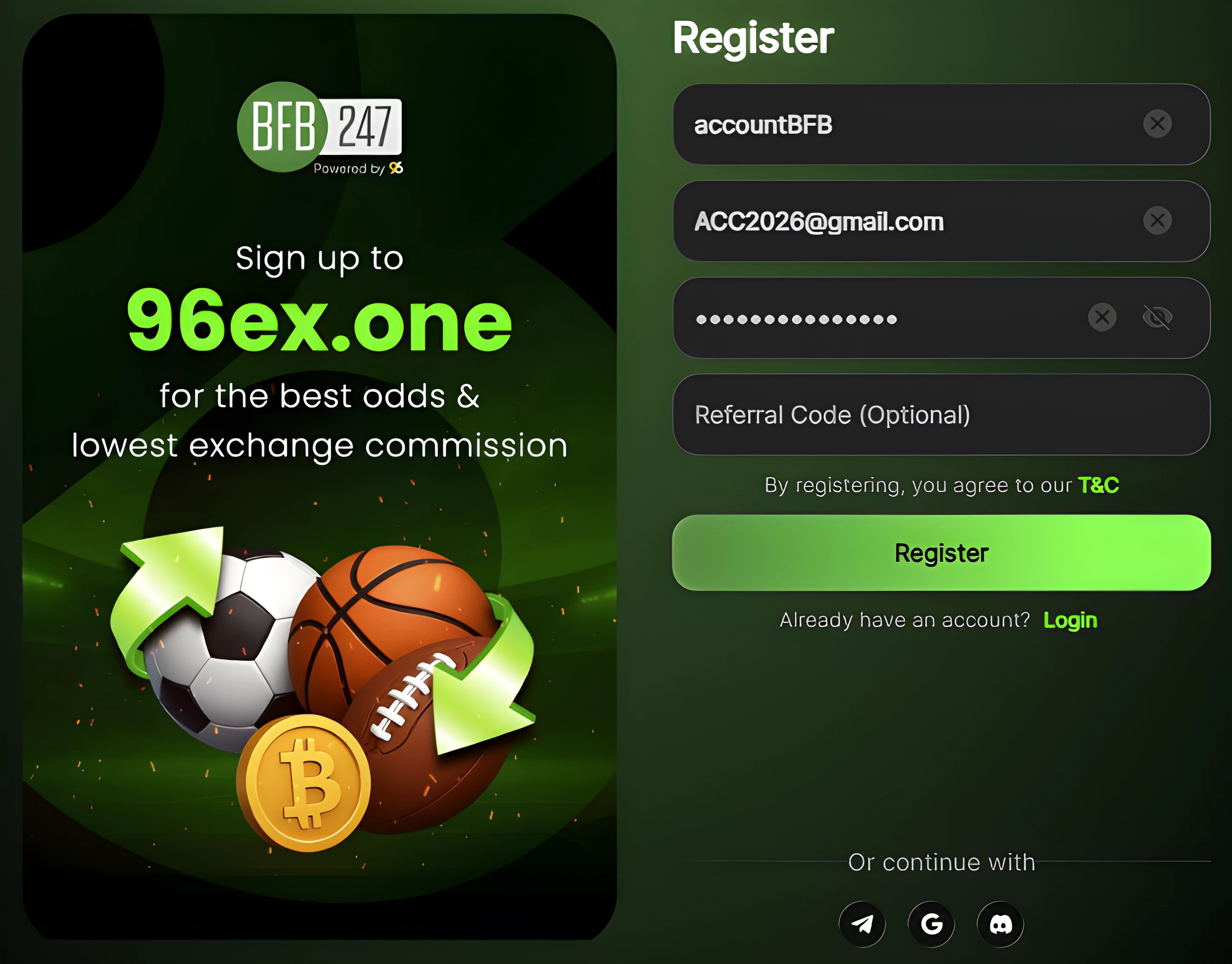 OPEN ACCOUNT
 STEP 2 - CONFIRM EMAIL
- Check your inbox or spam folder.
- Enter the code received in the email and click Submit.
Check your spam folder!
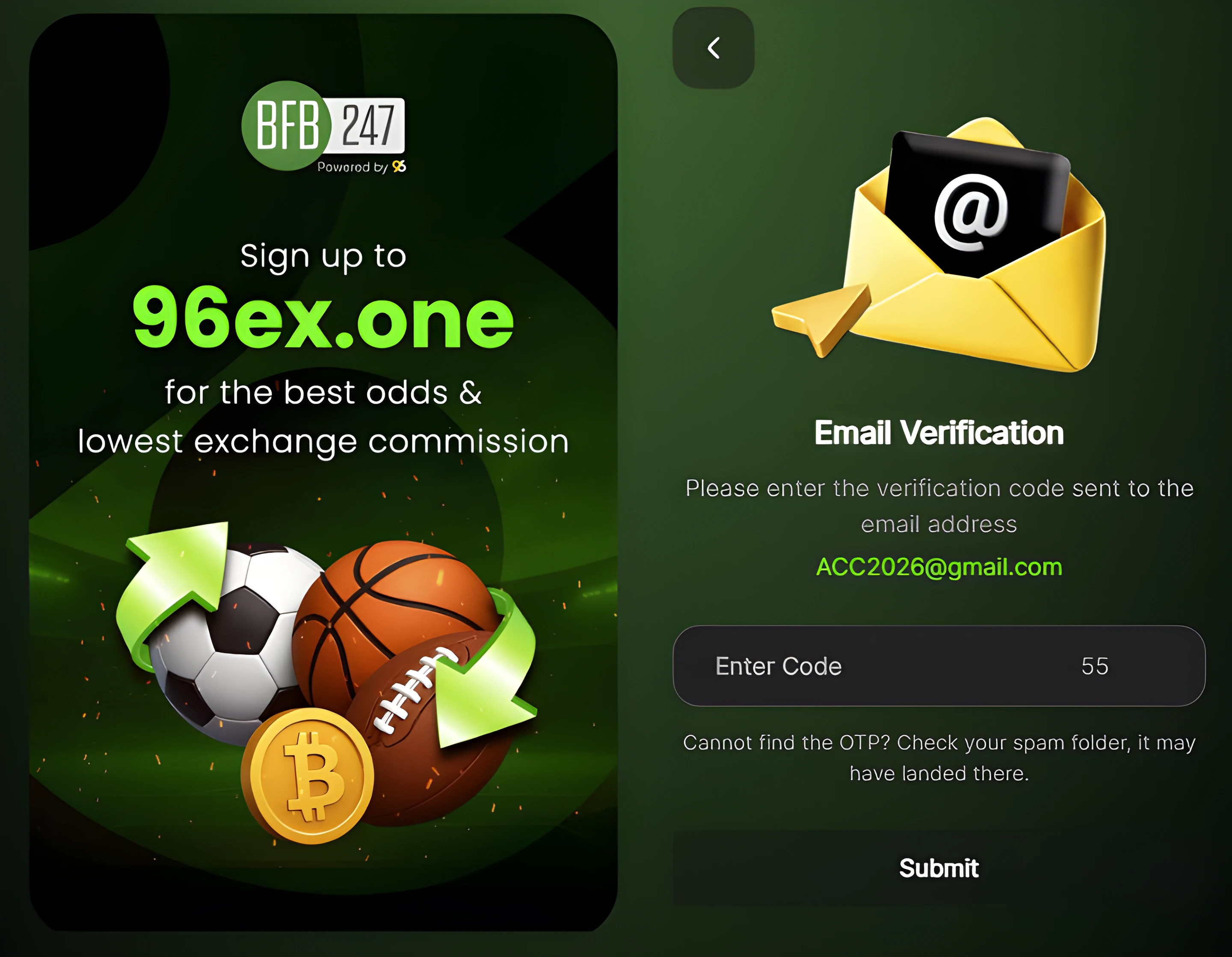 OPEN ACCOUNT
 STEP 3 - FIRST DEPOSIT
- Log in to your Orbit Exchange BFB247 account.
- Make your first deposit (minimum €10).
Available payment methods:
LATAM Users
In some South American countries, deposits are only available through cryptocurrency. You can use platforms such as AstroPay, Binance or Coinbase to convert your balance into cryptocurrency and then make your deposit, using a matching coin and network. See the crypto deposit tutorial for the full step-by-step guide.
Do not log in to services such as Skrill, Neteller, AstroPay or similar while using an active VPN.
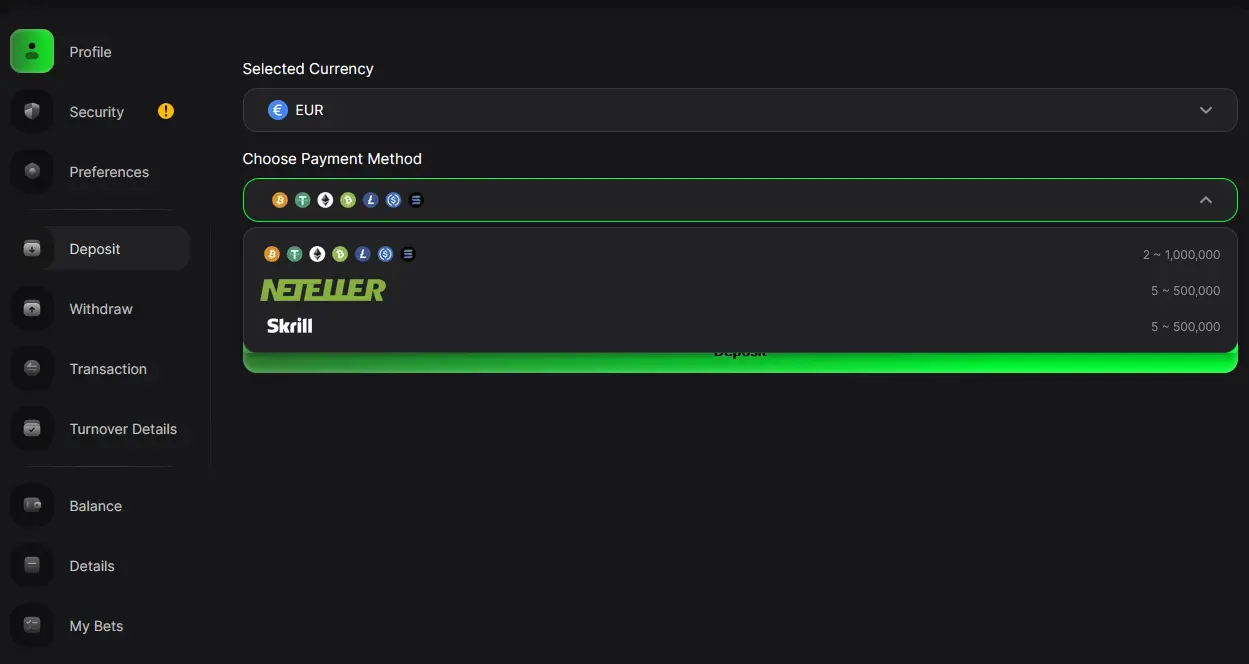 OPEN ACCOUNT
 STEP 4 - KYC VERIFICATION
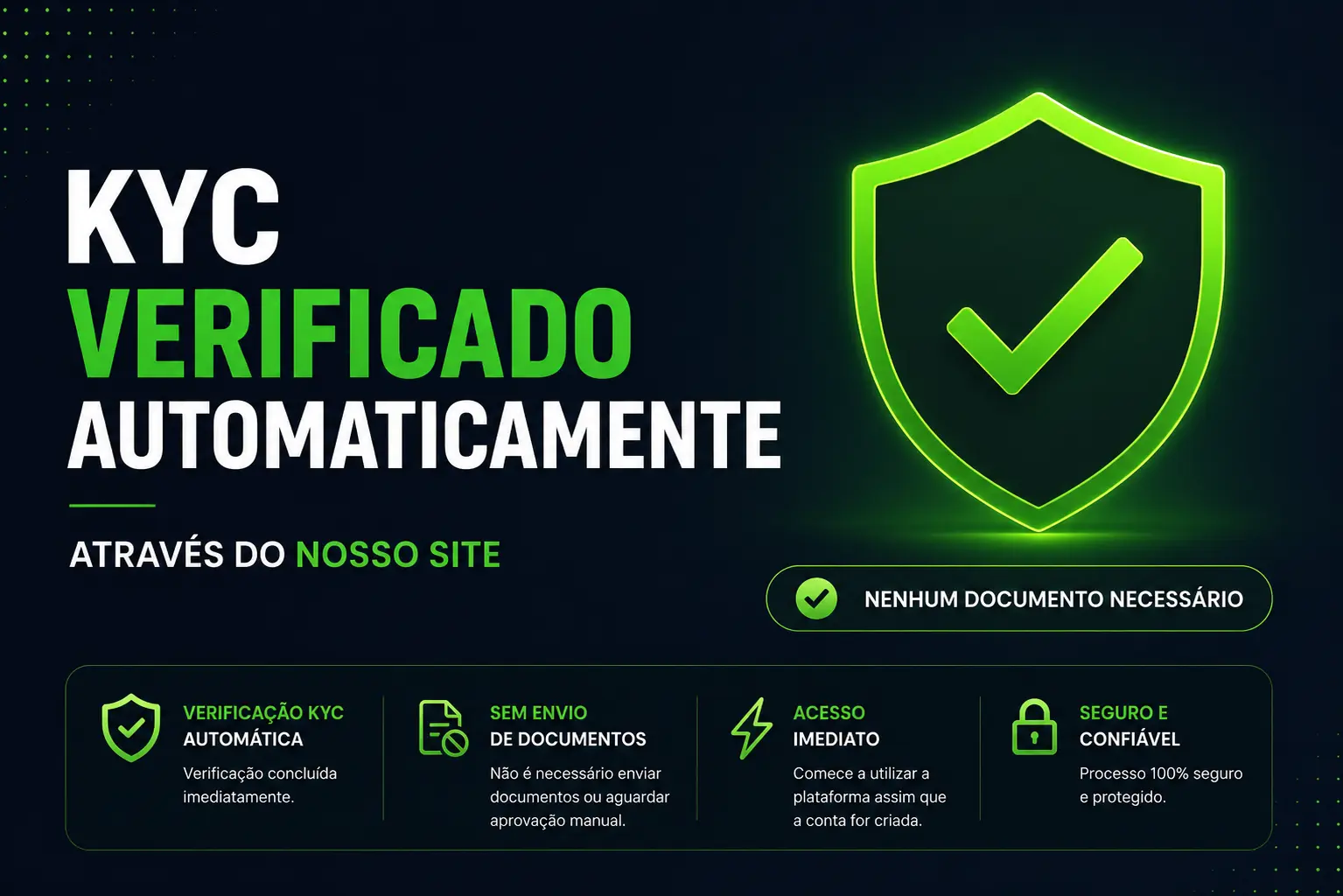
By registering through our website, your KYC will be automatically verified with no need to upload documents or wait for manual approval.
 OPEN ACCOUNT
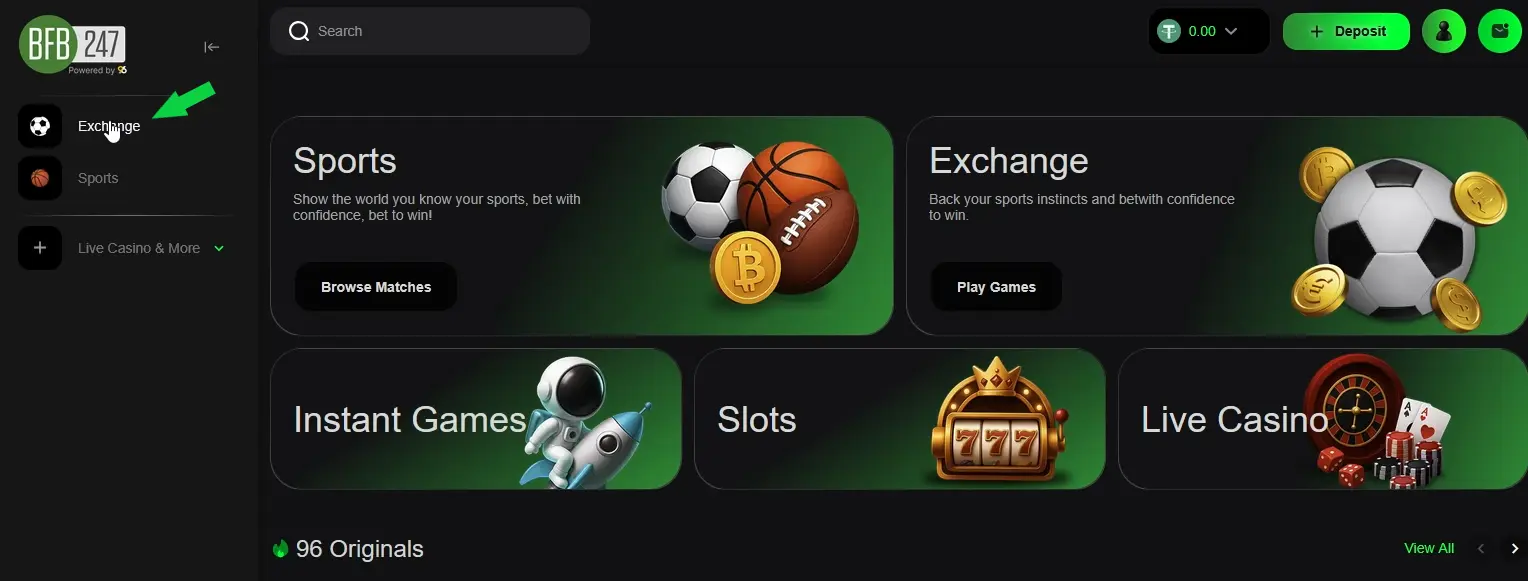
 STEP 5 - ACCESS ORBIT EXCHANGE
In some countries, it may be necessary to use a VPN to access Orbit Exchange. In such cases, you can connect using a VPN with servers located in:
WHAT DOES ORBIT EXCHANGE BFB247 OFFER?

- Orbit Exchange (Low Commissions + Free trading software)
- Internal BFB247 Exchange (3% commission — No software access)
- SportsBook (with stream service and multiple pre-live and live)
- CricketBook
- Live Casino
- Slots
The minimum deposit is €10. Minimum withdrawal is €30 (Crypto: €100). Maximum deposit up to €500,000 equivalent.
There are no limits on the number of withdrawals or associated fees.
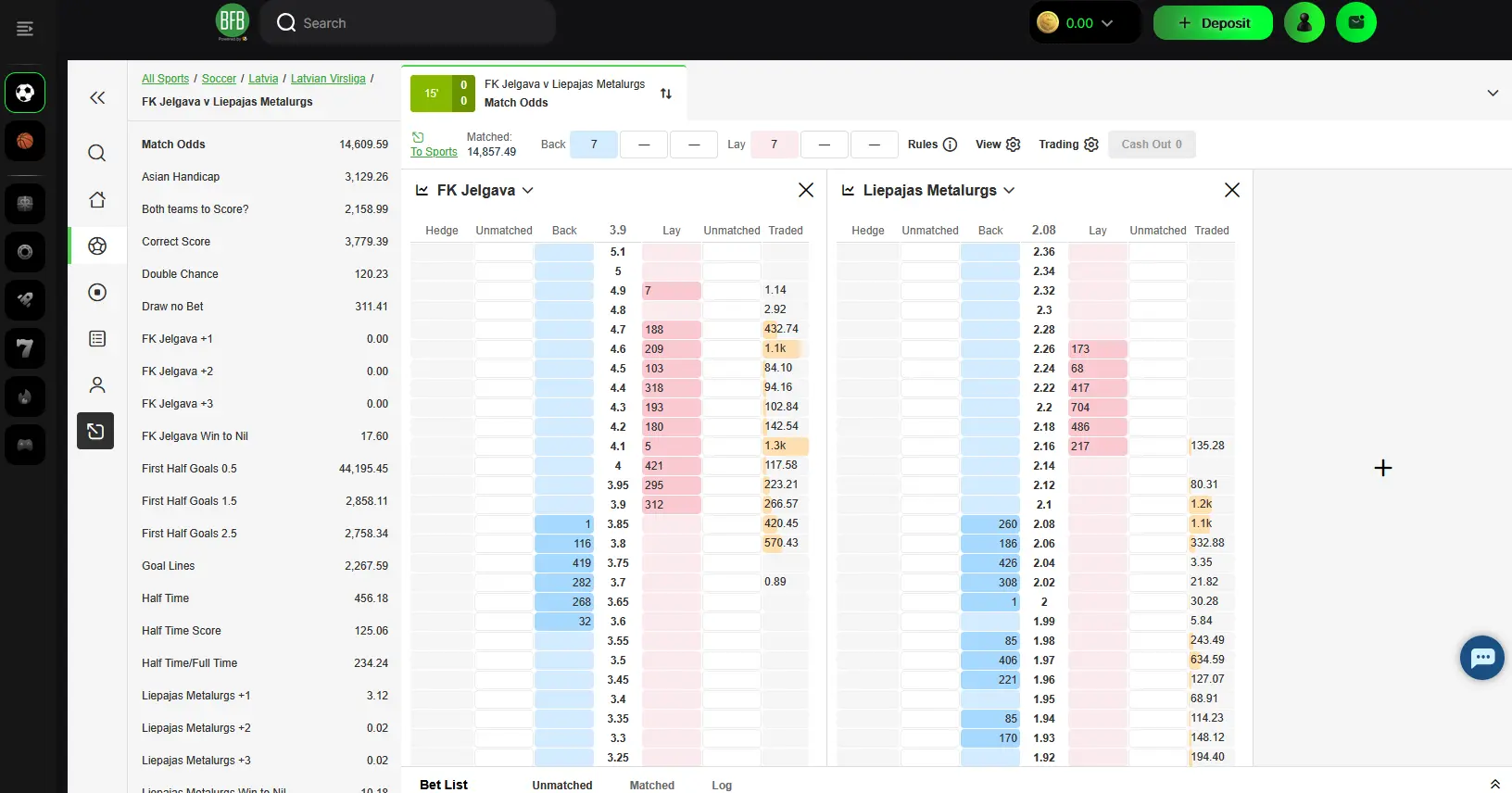
The best odds are at OrbitX
On the exchange, you can "back" and "lay". Backing a selection means you believe it will happen, as you would at a traditional bookmaker. You can also take the opposite view and "lay" if you think the selection won't happen. Undeniably, exchanges offer the best odds in the World.